
MySQL Recovery
When mysqld Refuses to Start, You Still Have the Files on Disk
Server dead after a crash or power cut? Point this Windows tool at your data directory, scan .ibd/.frm/.MYD/.MYI, preview tables, and export clean SQL you can import elsewhere. Trial first.
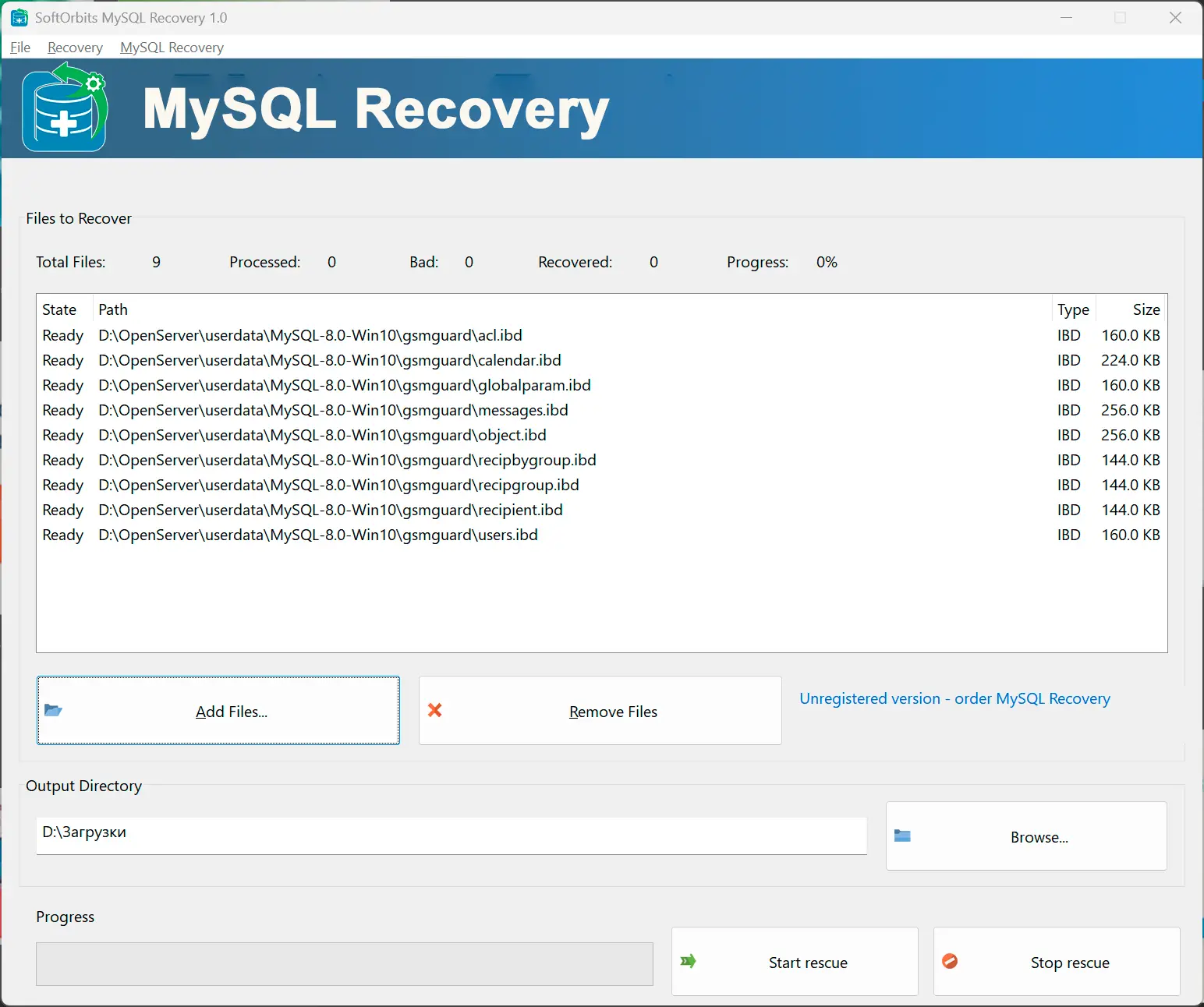
You do not need a running MySQL service. The app reads the on-disk fragments, rebuilds what it can, and hands you an import-ready script—handy after host migrations, bad restores, or half-finished backups.
Built for “we cannot open the database” moments
Typical use: copy the data directory off the broken machine, run the scan on a working Windows PC, inspect previews, then load the SQL into a fresh instance. You stay in control of where files go; nothing is written back into the originals.
How to use it
Gather the database files
Copy the folder that holds your .ibd, .frm, .MYD, and .MYI files (or the whole data directory) to a drive with free space. Keep a second copy untouched while you work.
Scan and review previews
Add the paths in the app, run the recovery pass, and open the table browser to confirm row counts and sample cells look sane before you export.
Export SQL and import cleanly
Save the generated script, create an empty database on a healthy server, import with mysql client or your admin tool, then run your normal integrity checks.
Benefits
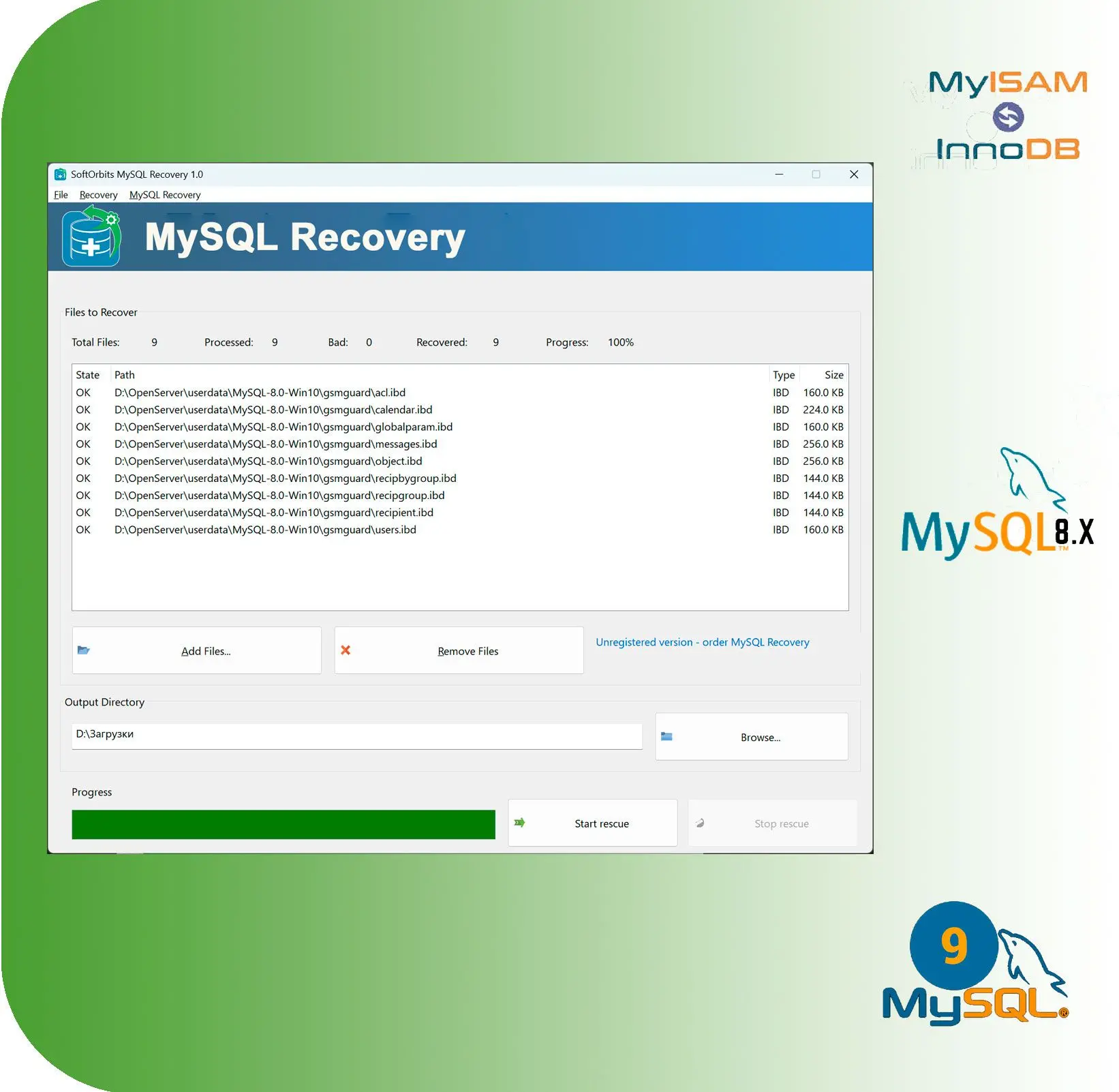
Rescue after crashes and bad shutdowns
Power loss, forced kills, and disk hiccups often leave MyISAM tables marked crashed or InnoDB pages inconsistent. A file-level pass can surface data mysqld will not mount.
Preview instead of blind restores
Skim tables and cell samples in the UI so you know the salvage is worth importing before you touch production.
Keep originals read-only
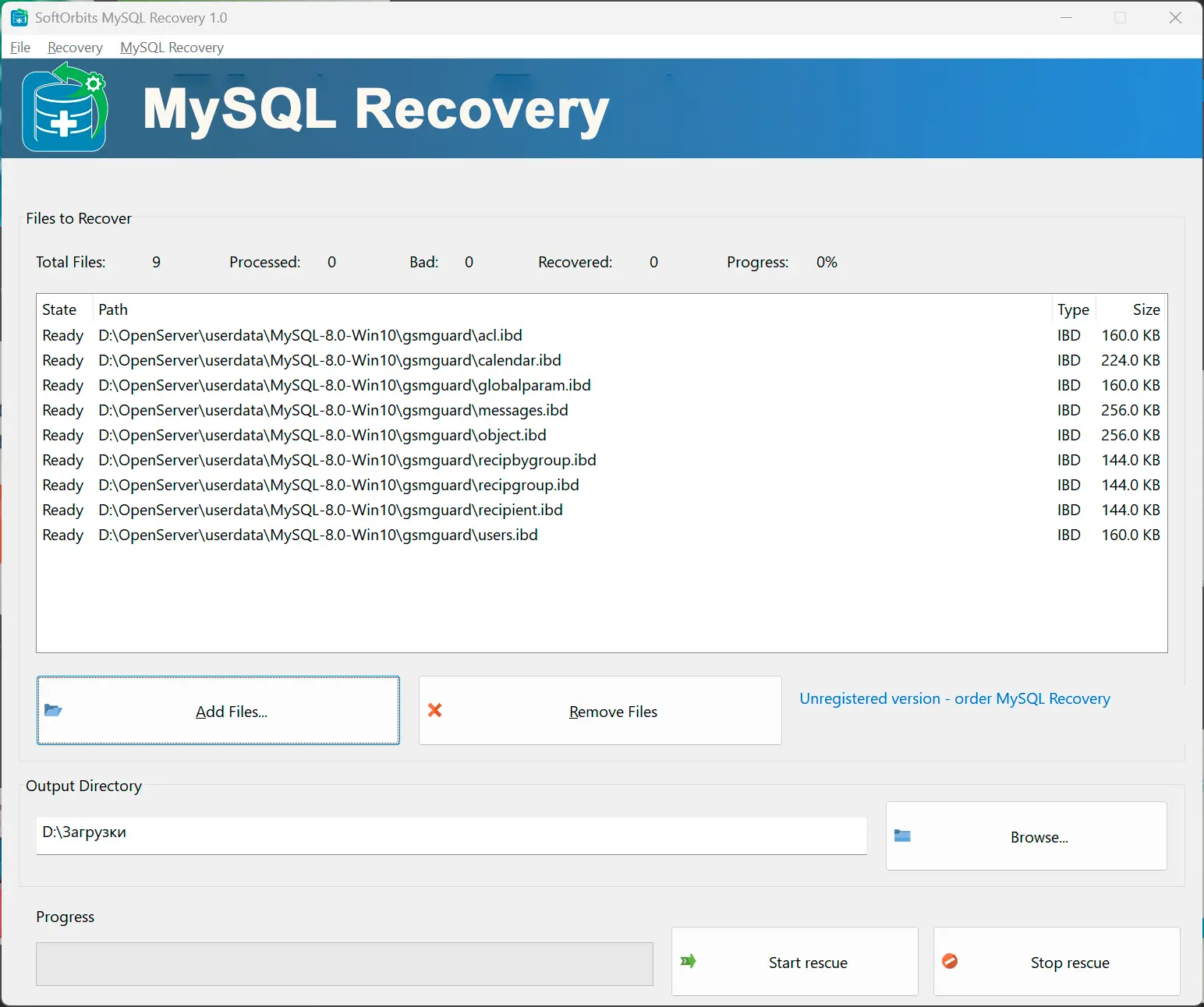
The tool is meant to read your damaged files and write results elsewhere—your source folder stays unchanged while you iterate.
Why people use it
Works without a live server
If the service will not start or the instance is gone, you can still work from cold storage as long as the files are readable.
InnoDB and MyISAM in one workflow
Mixed deployments are common; you do not need separate one-off utilities for each engine when both show up in the same backup tree.
Edit before you commit
The output is plain SQL. Trim bad rows, split large dumps, or tweak DDL in a text editor if your DBA wants a manual pass.
Common MySQL corruption error codes
| Error code | Official MySQL message template | Primary cause |
|---|---|---|
| 1016 | Can't open file: '[table_name].MYI' (errno: 2) | Missing or physically damaged database or table files on disk. |
| 1030 | Got error [X] from storage engine | Generic wrapper for internal InnoDB or MyISAM failures. |
| 1033 | Incorrect information in file: './[db]/[table].frm' | Corrupted table definition or a damaged .frm metadata file. |
| 1064 | You have an error in your SQL syntax near '...' | Sometimes metadata damage surfaces as bogus syntax when the server misreads structures. |
| 1146 | Table '[db].[table]' doesn't exist | Missing .frm files or a mismatch between the data dictionary and files on disk. |
| 1194 | Table '[table]' is marked as crashed and should be repaired | Severe MyISAM corruption, often after a write interrupted mid-flight. |
| 1412 | Table definition has changed, please retry transaction | .frm file out of sync with the InnoDB data dictionary. |
| 145 | Table '...' was not closed properly; it is marked as crashed | Unclean shutdown or kill while the table was open. |
| 126 | Index file is crashed; try to repair it | .MYI index corruption; the engine cannot map rows reliably. |
| 2013 | Lost connection to MySQL server during query | Server-side crash (for example segfault) while reading damaged pages. |
| Log only | InnoDB: Checksum mismatch in page [X] | Bit rot, bad sectors, or hardware errors making pages unreadable. |
FAQ
System Requirements
MySQL Recovery
Languages
1.5
6.1 Mb
February 22, 2026
- Windows 11/10/8.1/8/7 (32/64 bit)
- Intel i3, AMD Ryzen 5 or above
- 4 GB of RAM or above
- NVIDIA® GeForce® series 8 and 8M, Intel® HD Graphics 2000, Quadro FX 4800, Quadro FX 5600, AMD Radeon™ R600, Mobility Radeon™ HD 4330, Mobility FirePro™ series, Radeon™ R5 M230 or higher graphics card with up-to-date drivers
- 1280 × 768 screen resolution, 32-bit color
- 1 GB of free hard disk space or above
GRT requirements trial note